Target 0 Website
UX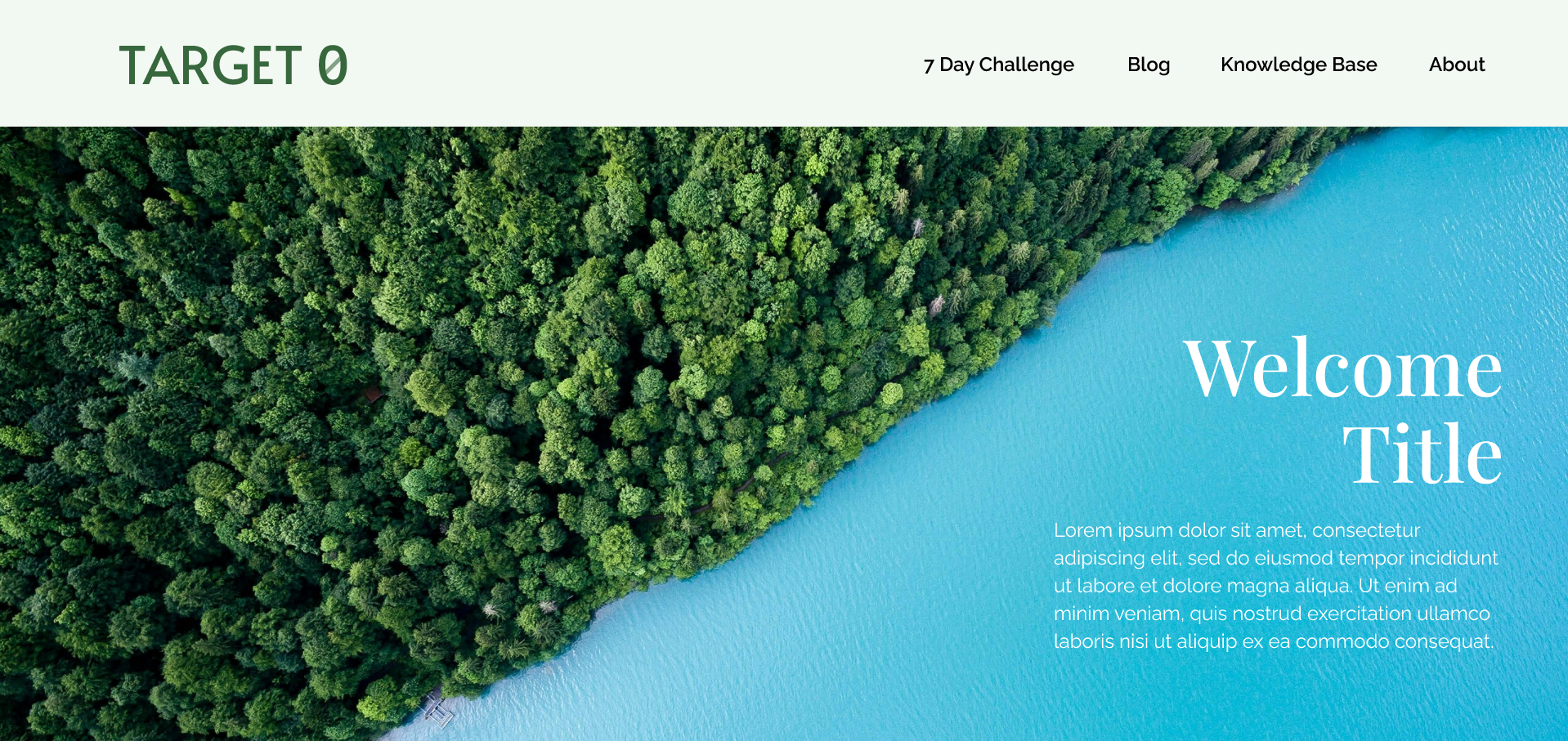
Overview
UX and UI design for a website that promotes zero food waste practices by reducing waste and changing individual habits.
I conducted subject research, created user personas, mapped user journeys, and designed an engaging interface that would encourage sustainable food practices.
Technologies Used
Design Process
The Problem
For a UX class project, we were tasked with acting as a UX and UI consultant for a client who wanted to promote sustainable food practices. They wanted the website to feature the BBC Earth 7-day no food waste challenge.
We received little guidance on the website requirements or user needs. To make the website engaging, we were tasked with adding unique features that would keep the user coming back.
Ideate
I started by researching competing websites and identifying the target audience.
In competing websites, I noticed they included statistics, had posts of information, and encouraged users to share the posts on social media.
However, there seemed to be only a focus on the environment or sustainability conferences. The websites didn't focus on creating a community around the 7-day no food waste challenge or provide additional tips. There seemed to be a gap in addressing the social aspect of the challenge.
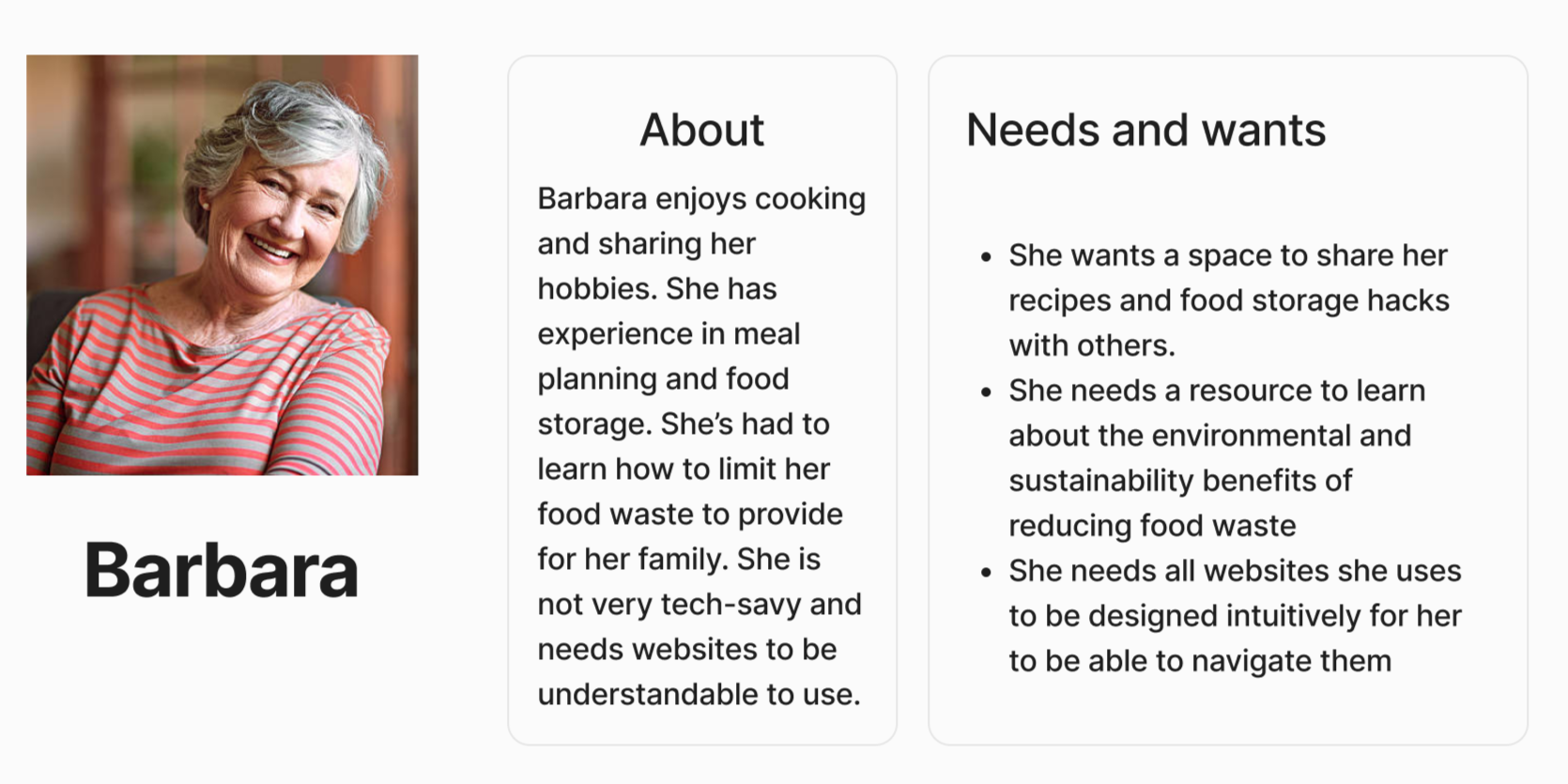
I identified the target audience to be environmentally conscious individuals and those who are lower income and want to reduce food waste to save money.
With this understanding, I created two personas to guide the design process.
To address the social aspect of the challenge, I decided to add a blog section for users to share tips and stories about each challenge as well as a knowledge base for Target 0 to provide educational resources.
To encourage engagement, within the home page, users would be encouraged to participate in the challenge and explore the blog and knowledge base.
Wireframing
I took the website through low and high fidelity wireframes, focusing on the layout and user flow.
Prototype
After finalizing the wireframes, I created a high-fidelity prototype in Figma.
The prototype included a home page, blog section, knowledge base, about page, and an explanation of the 7-day challenge, as well as a navigation bar and footer for easy access to different sections of the website.
Lorem ipsum text was used for placeholder content.